


Learn . Starting right now.

Sign up and 5 starter words are already saved to My Words, plus an AI tutor to chat and speak with, and live rooms with real people.

91 LanguagesChatVoiceMy Words
A plush dragon in a graduation cap, waving
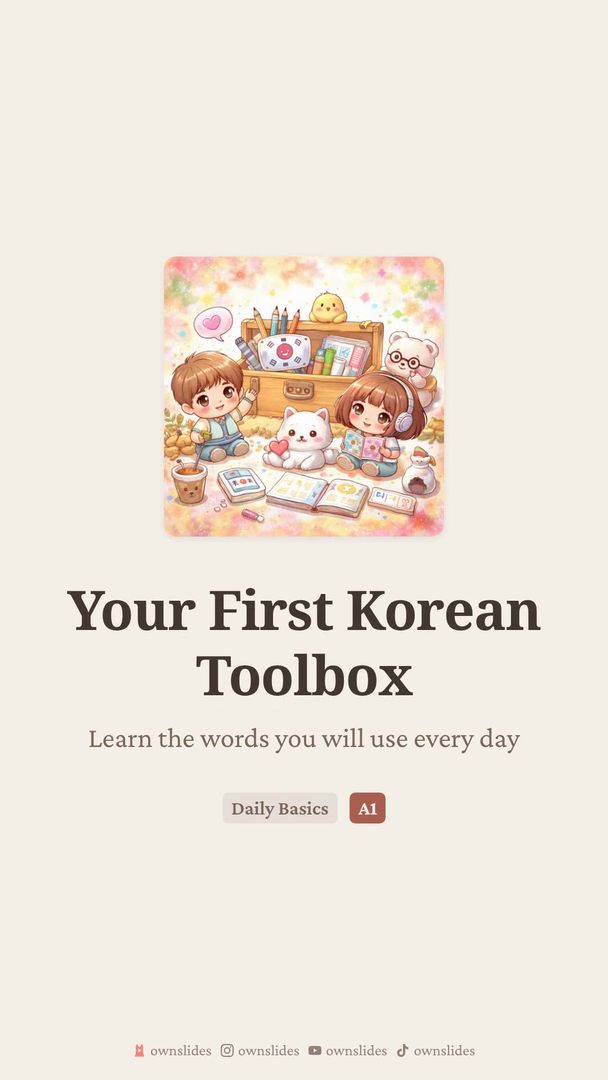
Starter pack · Korean
  • 없다not exist
  • ability
  • time
  • 하다do
  • 되다become
FlashcardsWritingPronunciation

One platform, every way to learn

Chat, speak, review, and track your progress. See how it all comes together.

ownslides.com

One feed, every way to learn

Lessons, words, community decks, topics, teachers and daily games, all in one scroll.

Explore

Built for learners

Discover, play, and learn. Everything you need to grow

A Real Curriculum

CEFR-aligned paths from A0 to C2 in 91 languages. Every topic mixes theory, exercises, chat, speaking, and review, so you always know what comes next

A Tutor That Knows You

Chat or talk with a tutor that adapts to your level, corrects you as you go, scores your pronunciation sound by sound, and recaps what to revisit next

Speak With Real People

Get matched instantly with a learner at your level for a text chat or a voice call, or schedule a room with friends and classmates

Learn by Doing

Fill-in-the-blanks, sentence building, word matching, listening, image prompts, and character tracing, with native audio on every exercise

Never Forget a Word

Save any word you meet and it becomes a flashcard, scheduled by a spaced-repetition engine that brings it back exactly when you are about to forget it

A Plan That Fits Your Week

Tell us your level and how much time you have, and get a study plan that balances lessons, conversation, and review around it

Progress You Can See

Streaks, points, and a skill rating that tracks your real proficiency, plus weekly leaderboards and 170+ collectibles to earn along the way

Free to Start

Exercises, the full curriculum, the dictionary, the translator, daily games, and collections cost nothing. Only AI-powered features run on credits

Young person practicing language learning on their phone

Built for educators

Everything you need to create, organize, and share educational content

Educator creating language learning content on their laptop

A Lesson in One Prompt

Describe what you want to teach and get a full lesson back: slides, vocabulary, grammar, and exercises, themed and ready to publish in minutes

Edit Everything

Nothing is locked. Rewrite any slide, hand-author quizzes, fill-in-the-blanks, and matching drills, and swap themes and images until it is yours

Collections & Assignments

Group lessons into a course, assign it to your students, and see who has finished, who is stuck, and how each one scored

Know What Lands

Plays, completion rates, and per-exercise accuracy across everything you publish, so you can see which explanation worked and which needs a rewrite

Publish Everywhere

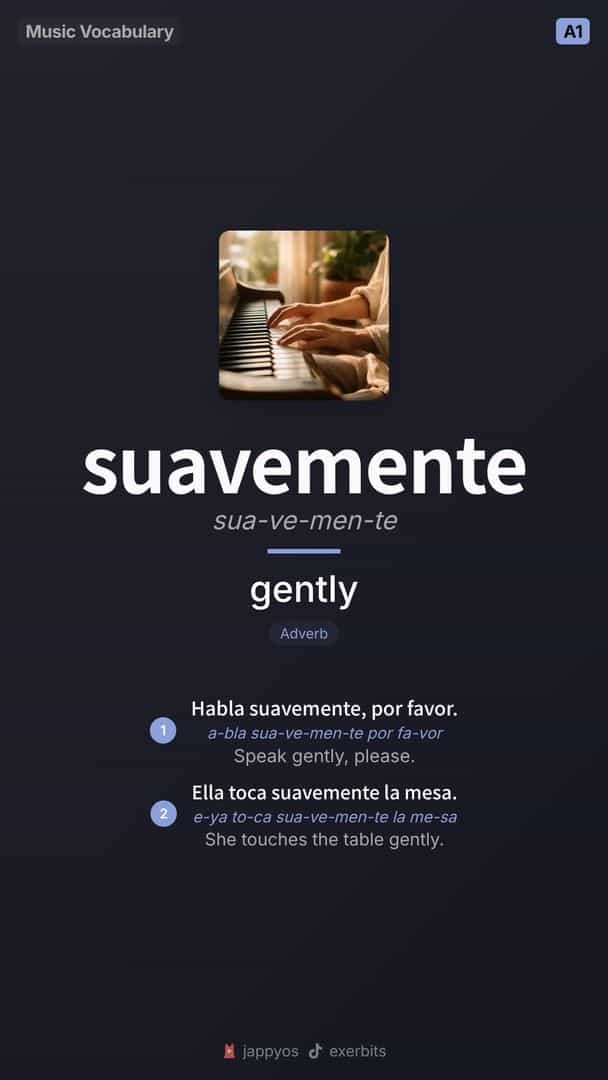
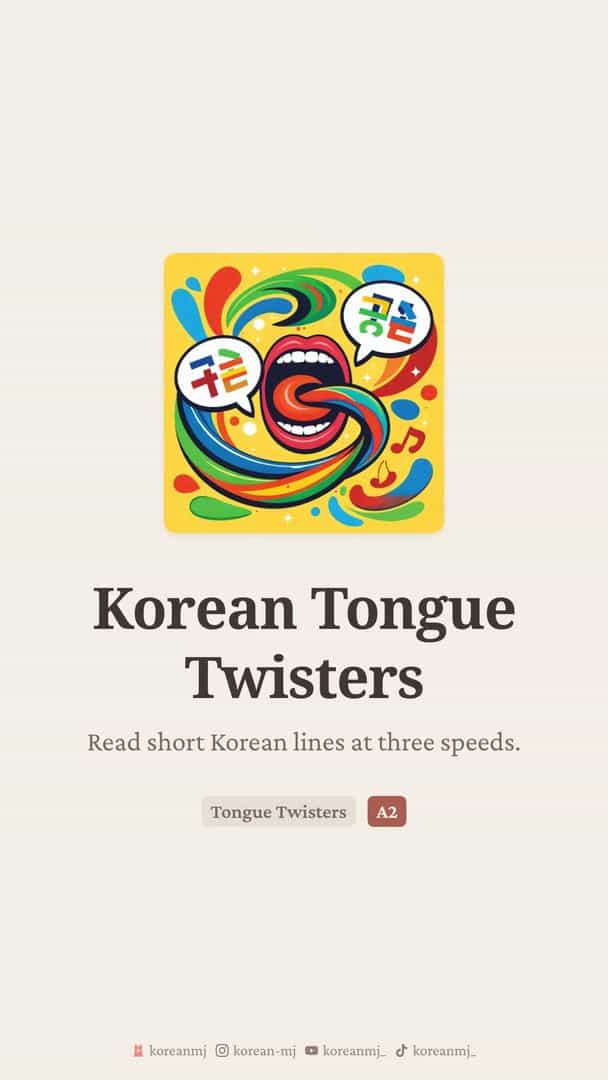
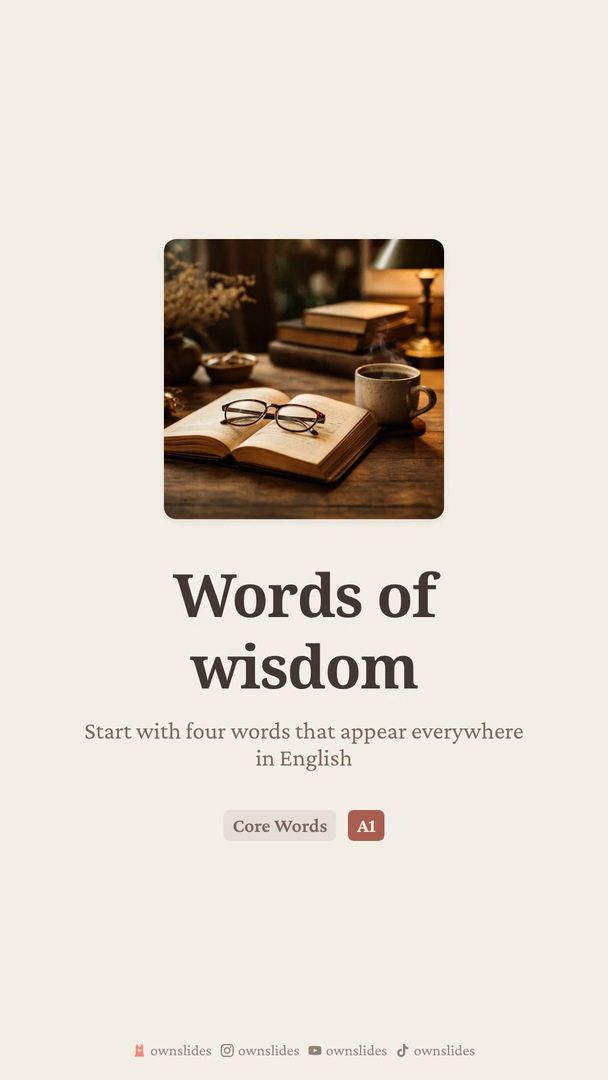
One click exports each lesson as video or images, auto-sized for TikTok, Instagram Reels and Stories, YouTube Shorts, and carousel posts

Build an Audience

Promote your best work to the community gallery, earn a verified badge, and gain followers who get your new lessons in their feed

Practice You Do Not Have to Run

Between your lessons, students keep practising with the tutor, matched speaking partners, and scheduled audio rooms, all inside OwnSlides

Feed the Dictionary

Words and definitions from your lessons join the community dictionary, credited to you, and reach learners who never opened a lesson

Created with OwnSlides

See what our community is creating

Got content to share? Promote your project, included with paid plans.

Part of leading startup programs

Collect Avatars, Accessories & Badges

Earn over 170 unique collectibles through achievements, streaks, and loyalty

Frequently asked questions

OwnSlides is a language platform built for two sides. Learners grow with a personal text and voice tutor, blind matching with real people, scheduled audio rooms, CEFR-aligned curricula with personalized study plans, interactive exercises, a community dictionary, and a translator, plus streaks, skill-based rankings, weekly competitions, and 170+ collectibles. Educators build lessons in minutes, with interactive exercise authoring, collections and assignments, learner analytics, a verified teacher badge, and one-click export to TikTok, Instagram Reels, and YouTube Shorts.

Signing up is free and every feature is included: play exercises, follow a CEFR curriculum with personalized study plans, join speaking rooms, browse the community dictionary, use the translator, follow educators, build collections, track progress with points and streaks, and create your own lessons and interactive exercises. AI-powered features (lesson and exercise generation, text-to-speech, image generation, tutoring, and promotion) run on credits. Free users buy credit packages, and paid plans include larger monthly credit allowances plus higher limits and no watermark.

There are three ways to practice speaking. Blind calls instantly match you with another learner for a timed conversation. Scheduled rooms let you plan group calls with friends or classmates. And solo practice gives you a one-on-one conversation with a voice-powered personal tutor in any language, perfect for building confidence before speaking with real people.

Solo practice is a voice conversation with a personal tutor powered by realistic speech. Pick a language and duration, and start talking. You can draw topic cards mid-conversation for guided practice. Afterward, you get a detailed breakdown of your pronunciation, grammar, vocabulary, and fluency, plus a full transcript and personalized tips.

Chat practice lets you have text conversations with a personal tutor in your target language. It adapts to your level and corrects mistakes in real time. After each session you get a recap card showing concepts you've mastered, ones to revisit next time, and your accuracy, so you can see real progress without waiting for feedback.

Blind matching pairs you with another language learner worldwide based on proficiency level and target language. You can start a text chat or voice call with your match. It's a great way to practice with real people when you don't have a conversation partner: the system finds one for you instantly.

OwnSlides features a wide variety of interactive exercises: fill-in-the-blank, sentence ordering, word matching, multiple choice, dialogue practice, trivia, and character tracing for writing systems. Many exercises include natural-sounding audio so you can hear native pronunciation. Content spans vocabulary, grammar rules, conjugations, reading passages, cultural notes, alphabet and numbers, and daily tips.

Anyone who wants to learn or teach languages. Learners get a personal tutor (text and voice), blind matching with real people, scheduled audio rooms, a CEFR-aligned curriculum with personalized study plans, interactive exercises, a community dictionary, a translator, and gamified progress tracking. Educators get fast lesson and exercise creation, collections and assignments, learner analytics, a verified teacher badge, gallery distribution, and one-click export to TikTok, Instagram Reels, and YouTube Shorts.

The OwnSlides interface (menus, navigation, settings, and all product text) is fully translated into 21 languages: English, Korean (한국어), Spanish (Español), Portuguese (Português (Brasil)), Japanese (日本語), Simplified Chinese (简体中文), German (Deutsch), French (Français), Traditional Chinese (繁體中文), Vietnamese (Tiếng Việt), Indonesian (Bahasa Indonesia), Thai (ภาษาไทย), Turkish (Türkçe), Polish (Polski), Italian (Italiano), Arabic (العربية), Dutch (Nederlands), Russian (Русский), Ukrainian (Українська), Hindi (हिन्दी), and Lithuanian (Lietuvių). These 21 interface languages are separate from the 91 languages you can learn: you can study any of the 91 with the interface in whichever of the 21 you prefer. Change it any time in Settings.

Describe what you want to teach, pick a theme, and OwnSlides generates a complete lesson with slides and interactive exercises. Organize lessons into collections, assign them to your students, and track completion, accuracy, and engagement in the analytics dashboard. Promote your best work to the community gallery to reach new learners, contribute to the global dictionary, and earn a verified teacher badge. Export to TikTok, Instagram, YouTube, and more, each format auto-sized for the platform. What used to take hours in design tools takes minutes.

Educators can export to TikTok and YouTube Shorts (9:16 video), Instagram Reels, Stories, Feed Posts (square and portrait), carousel posts, and standard YouTube videos. Each export is automatically sized and formatted for its platform.

Never miss an article

Language-learning guides, product updates, and new features, straight to your inbox, only when there is something worth reading.

We email new articles and occasional product news. Unsubscribe any time. See our Privacy Policy
Articles & product newsNo spam, everUnsubscribe anytime